Trading Edge
Polymarket Arbitrage: Edge Checks Before You Trade
Use this Polymarket arbitrage guide to check spreads, fees, liquidity, resolution wording, cross-market prices, and execution risk before trading.
Key takeaways
- DataForSEO shows 390/mo search volume, LOW competition index 13, and CPC around $86.00 for polymarket arbitrage.
- Most apparent arbitrage disappears after spread, fees, slippage, settlement risk, and market-rule mismatches are included.
- Odsage should frame arbitrage as a checklist and calculator workflow, not as a guaranteed-profit claim.
What Polymarket arbitrage really means
Polymarket arbitrage usually means buying and selling related outcomes where prices appear inconsistent. A basic example is when the implied probabilities across mutually exclusive outcomes add up to less than or more than 100 percent after costs.
The phrase sounds cleaner than the reality. Prediction-market arbitrage depends on market wording, execution price, fees, available size, and resolution risk. If two markets look similar but resolve from different sources, the spread may be compensation for that mismatch rather than free money.
The first filter is resolution wording
Two prices can only be compared if the outcomes are genuinely linked. A market about an official OpenAI release, a market about a benchmark score, and a market about a product announcement may all feel related, but they can resolve differently.
Polymarket explains that market rules specify resolution sources, end dates, and edge cases. That means the first arbitrage check is legalistic: read the title, then read the rules, then decide if the markets are actually equivalent.
Spread and liquidity can erase the trade
A spreadsheet can show a positive edge using midpoint prices. The order book can destroy it. If the ask is higher than the displayed probability or there is not enough size at the quoted level, the real entry price can be much worse than the screen suggests.
This is why Odsage should display arbitrage warnings beside liquidity. A reader should know whether the opportunity exists at tradable size or only inside a theoretical midpoint.
Cross-platform arbitrage adds more risk
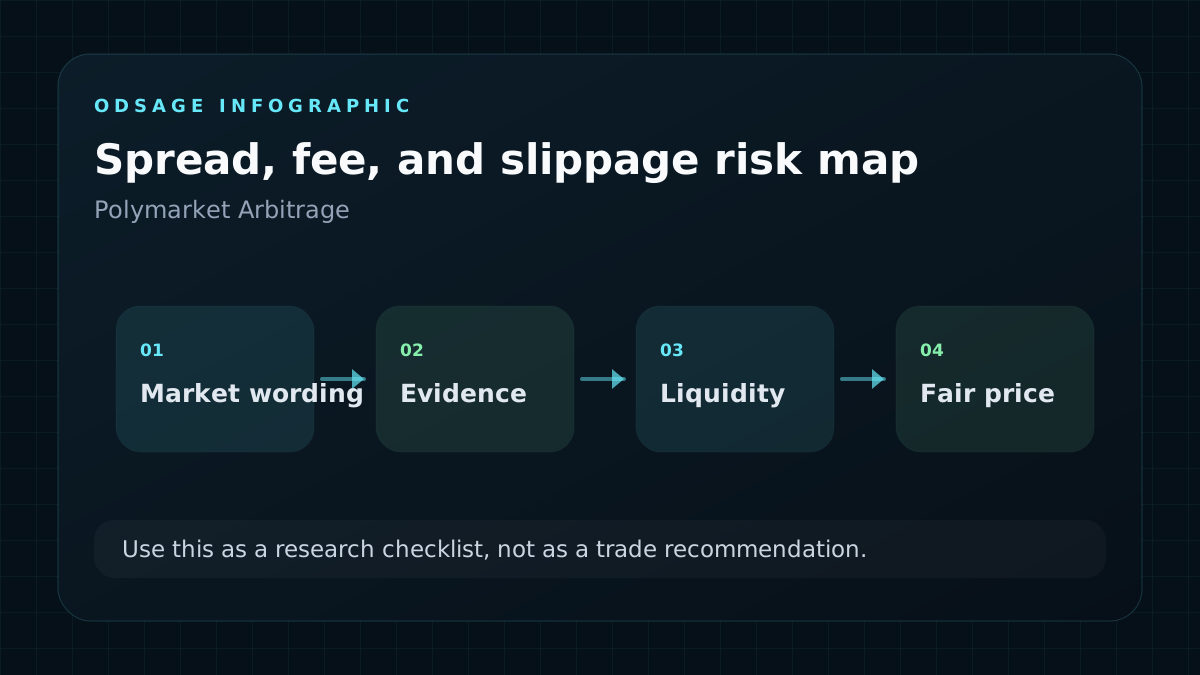
Cross-platform trades between Polymarket, Kalshi, and other event-contract venues are tempting because prices can diverge. The hard part is that contract wording, settlement timing, user eligibility, funding rails, and fees can also diverge.
A real Odsage arbitrage tool should therefore start as a research calculator, not an execution bot. It should ask whether markets share the same source, deadline, outcome definition, and settlement timing before showing a positive-edge badge.
The Odsage arbitrage checklist
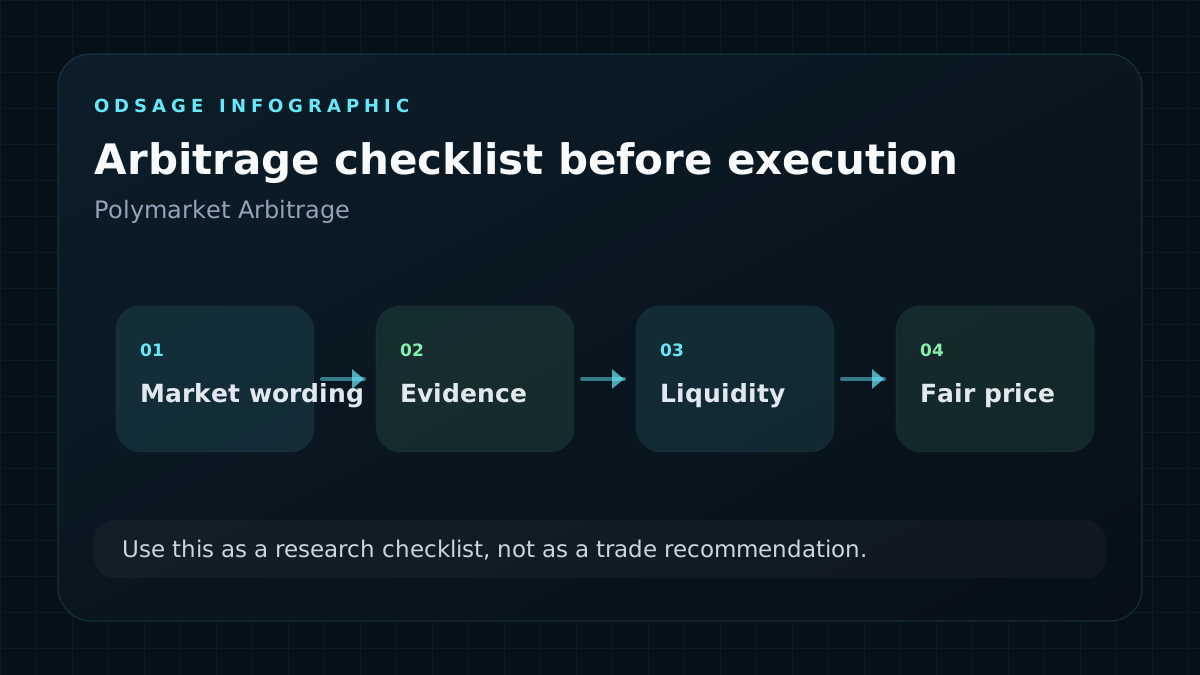
The practical checklist is simple: match the wording, confirm the resolution source, calculate no-fee edge, subtract spread and fees, check tradable size, stress-test settlement timing, and decide whether the remaining margin is large enough to justify the risk.
That checklist gives Odsage a durable search angle. It avoids promising free money, gives readers a repeatable workflow, and naturally links into calculators, order-book education, and AI market pages.
FAQ
Frequently asked questions
Is Polymarket arbitrage risk-free?
No. Apparent arbitrage can fail because of spread, fees, liquidity, slippage, funding friction, settlement timing, or different resolution rules.
What should I check before a Polymarket arbitrage trade?
Check market wording, resolution source, deadline, bid and ask, available size, fees, settlement timing, and whether the outcomes are actually equivalent.
Can Odsage automate arbitrage alerts?
Odsage can surface research alerts and calculator outputs, but any alert should include a resolution-risk and execution-quality warning before implying a real opportunity.
Sources and methodology
Sources used for this guide
Odsage combines public source links with prediction-market context, related market pages, calculator workflows, and visible FAQ content. Market prices are informational and are not financial advice.